
White noise, audio monitor or video monitor: which to buy
A short decision table across the three MAMICAM categories — from your task to a specific model. No upselling of features you do not need.
A short decision table across the three MAMICAM categories — from your task to a specific model. No upselling of features you do not need.
The short version
- 3 categories: white noise / audio monitor / video monitor
- 11 models in the factory catalog
- Video monitors split into no-Wi-Fi and app-enabled
- All parameters come from a single data source
If the goal is helping baby sleep
This is a separate category, not a cheap video monitor. White noise machines do not transmit video and are not a substitute for supervision — they provide background sound and a timer. Pick SN-BZY01 for travel, WN01 for sound variety, WN61 for the night light and fine volume control.
- For travel: SN-BZY01
- Sound variety: WN01
- Night light + 30 levels: WN61
If hearing is enough
The ABM01 is an audio monitor with two-way voice, lullabies and a timer on a secure 2.4 GHz link without Wi-Fi. Both units have 1000 mAh batteries and are fully cordless, with up to 300 m outdoors. There is no screen — a deliberate choice for simplicity.
- Two-way talk, lullabies, timer
- Both units cordless, Type-C
- No screen and no Wi-Fi
If you need a screen
Here the choice is screen size and connection type. Compact start: BM202 (2.8"). Classic: BM301 and BM302 (3.2"). Maximum view: BM5G09L (5") and DY627 (6") with 360° pan and 2× zoom. For remote access: BM5R11W with Tuya and BM5R10W with 1080P Full HD.
- Smallest: BM202 2.8"
- Largest: DY627 6"
- With app: BM5R11W, BM5R10W
How to sanity-check your choice
Open the model page and check its specification table against this article, then use the comparison page, which is generated automatically from the same data source. If you need a spec sheet or wholesale price list, that is a separate B2B request on the wholesale page.
- Model page = source specifications
- Comparison page = every model in one table
- Pricing and OEM via the Wholesale page
Models mentioned
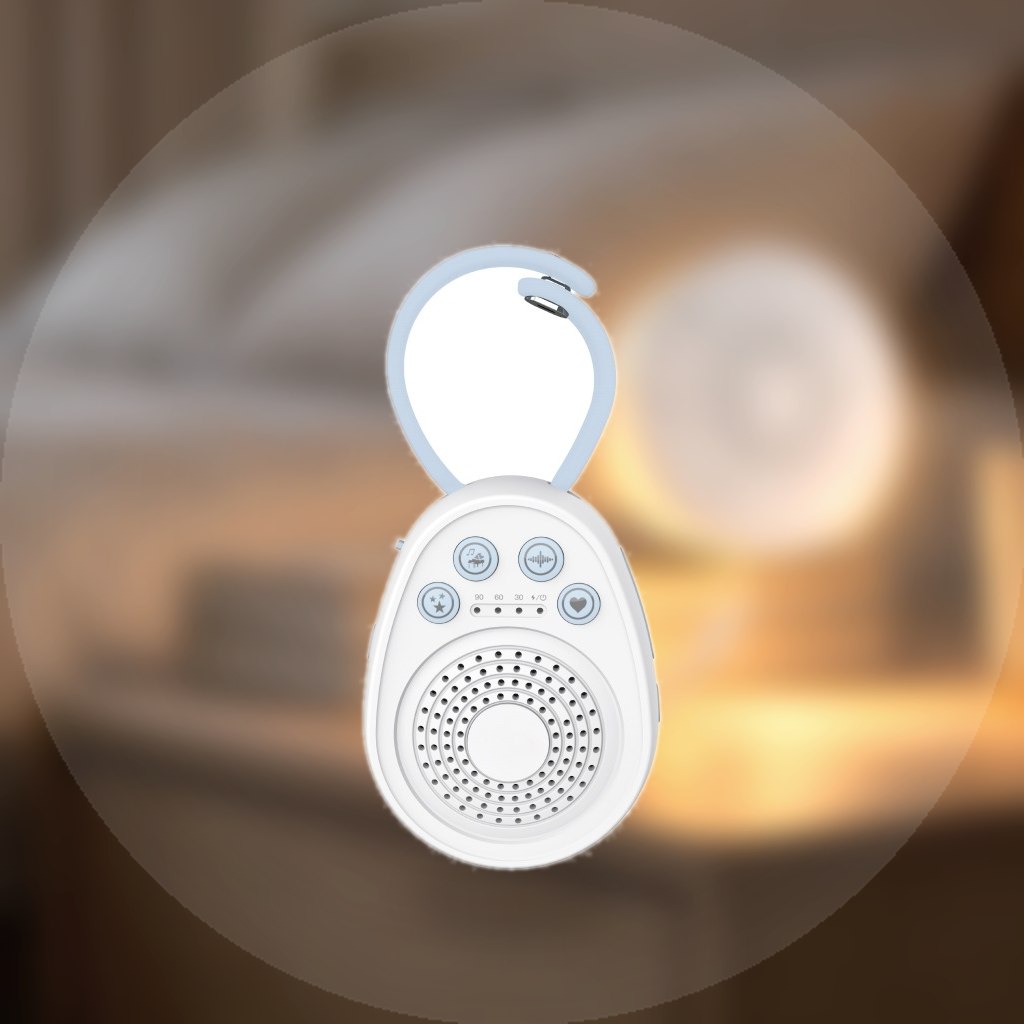 SN-BZY01SN-BZY01 Portable White Noise Machine
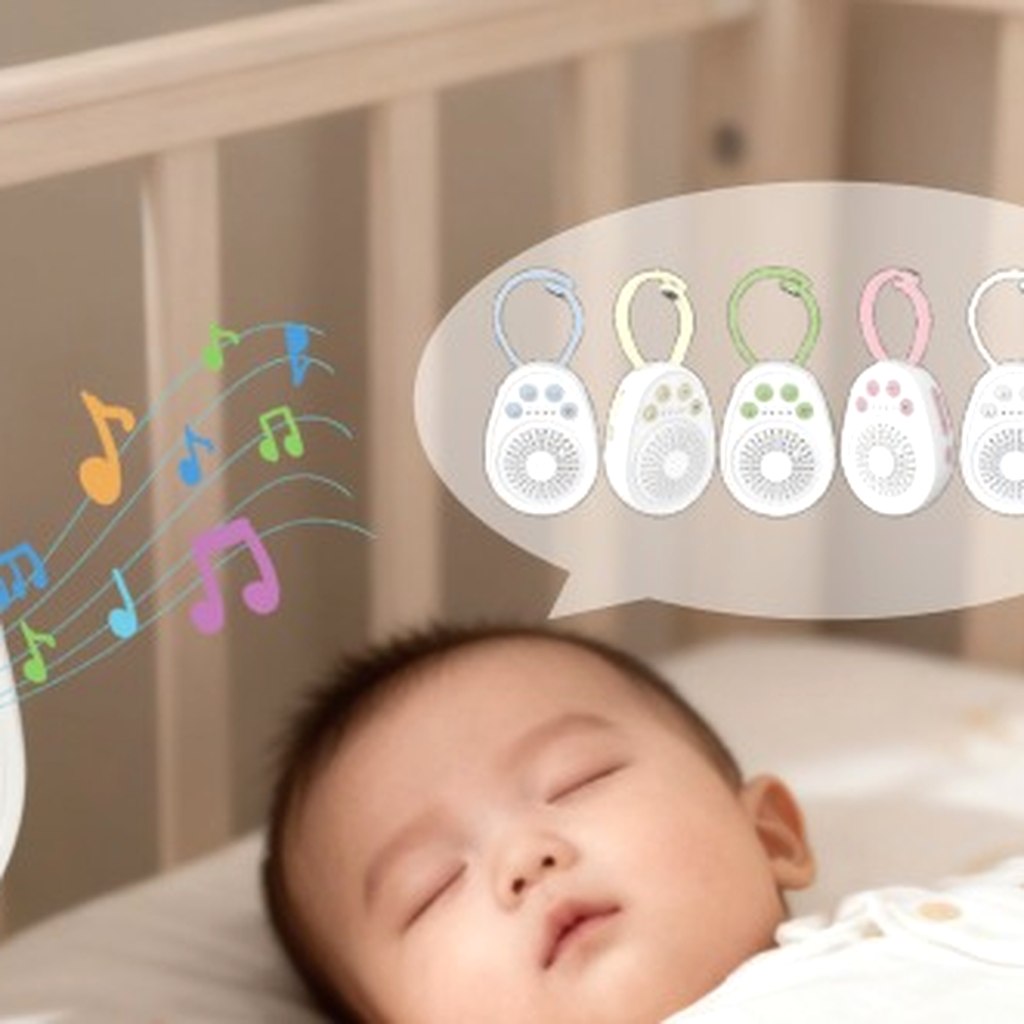 WN01WN01 Hanging White Noise Machine
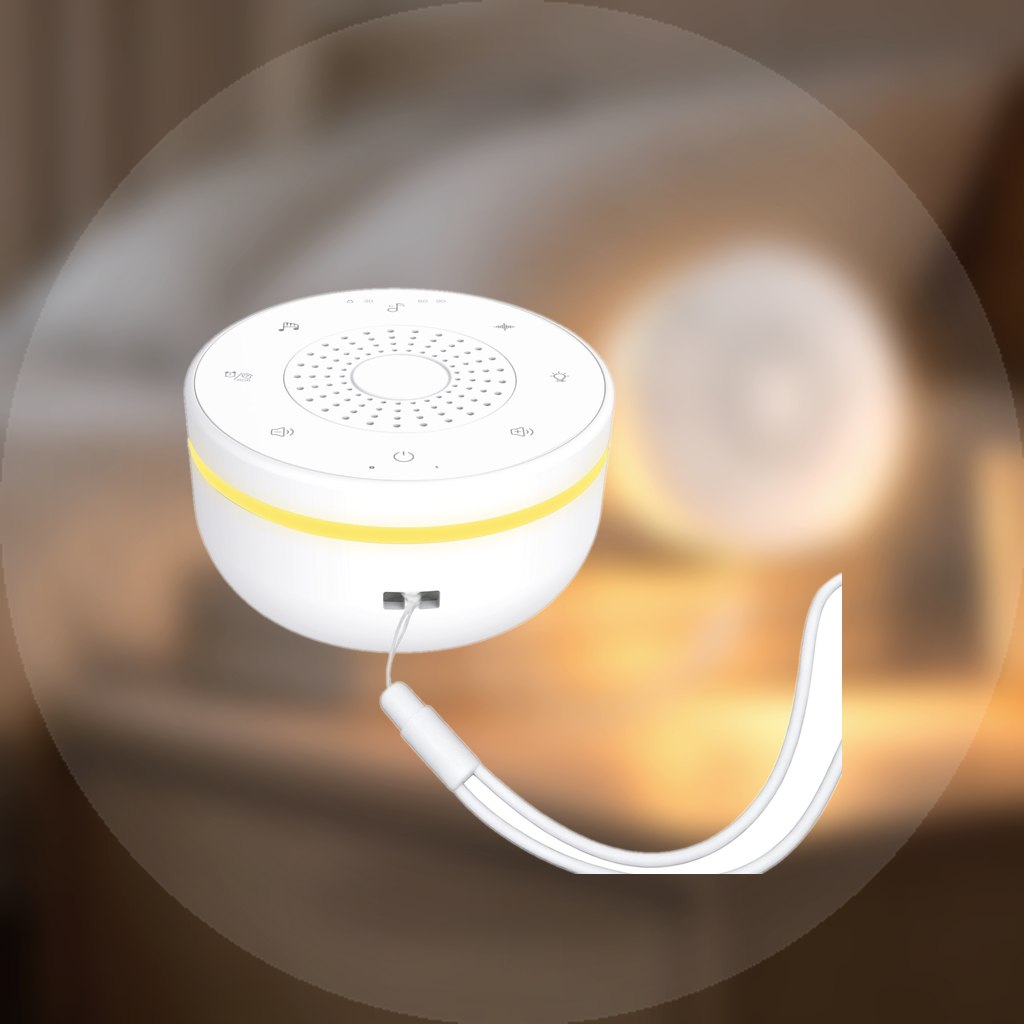 WN61WN61 Desk White Noise Machine
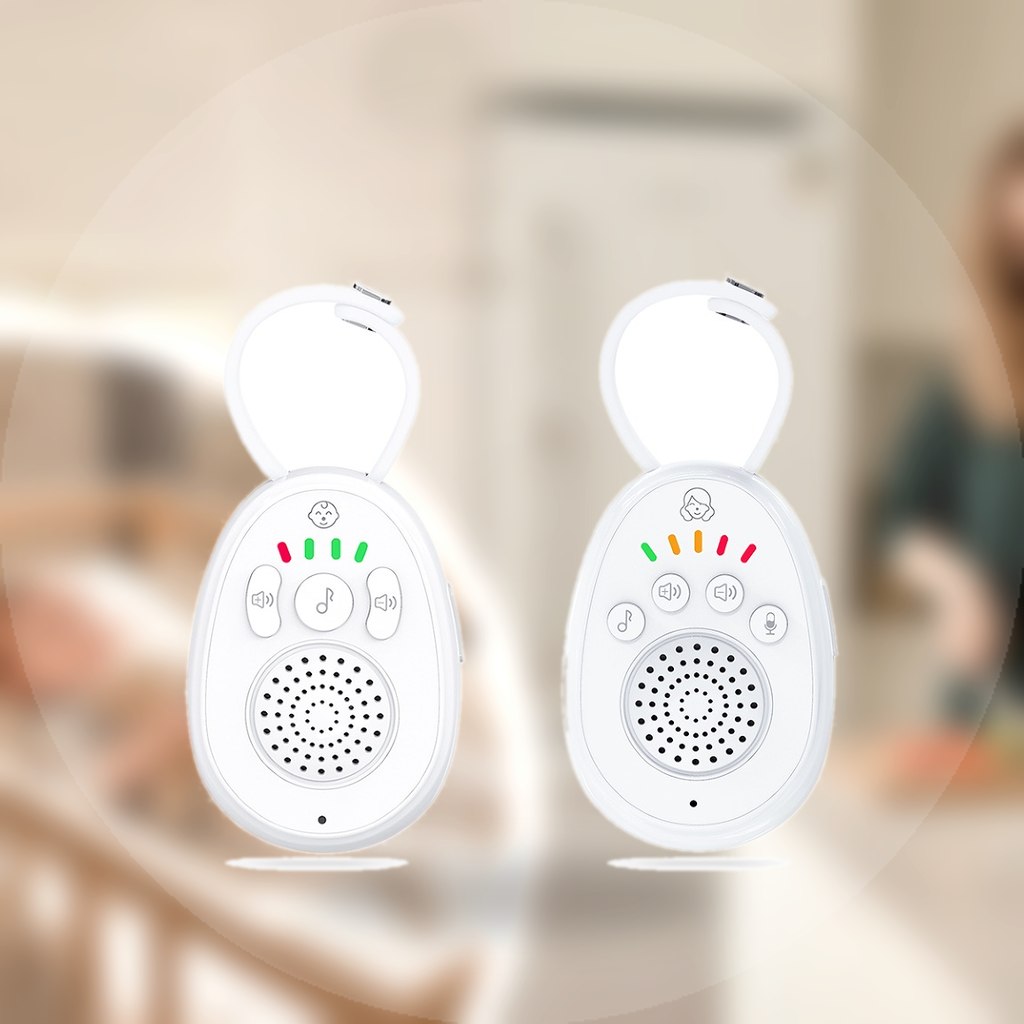 ABM01ABM01 Audio Baby Monitor
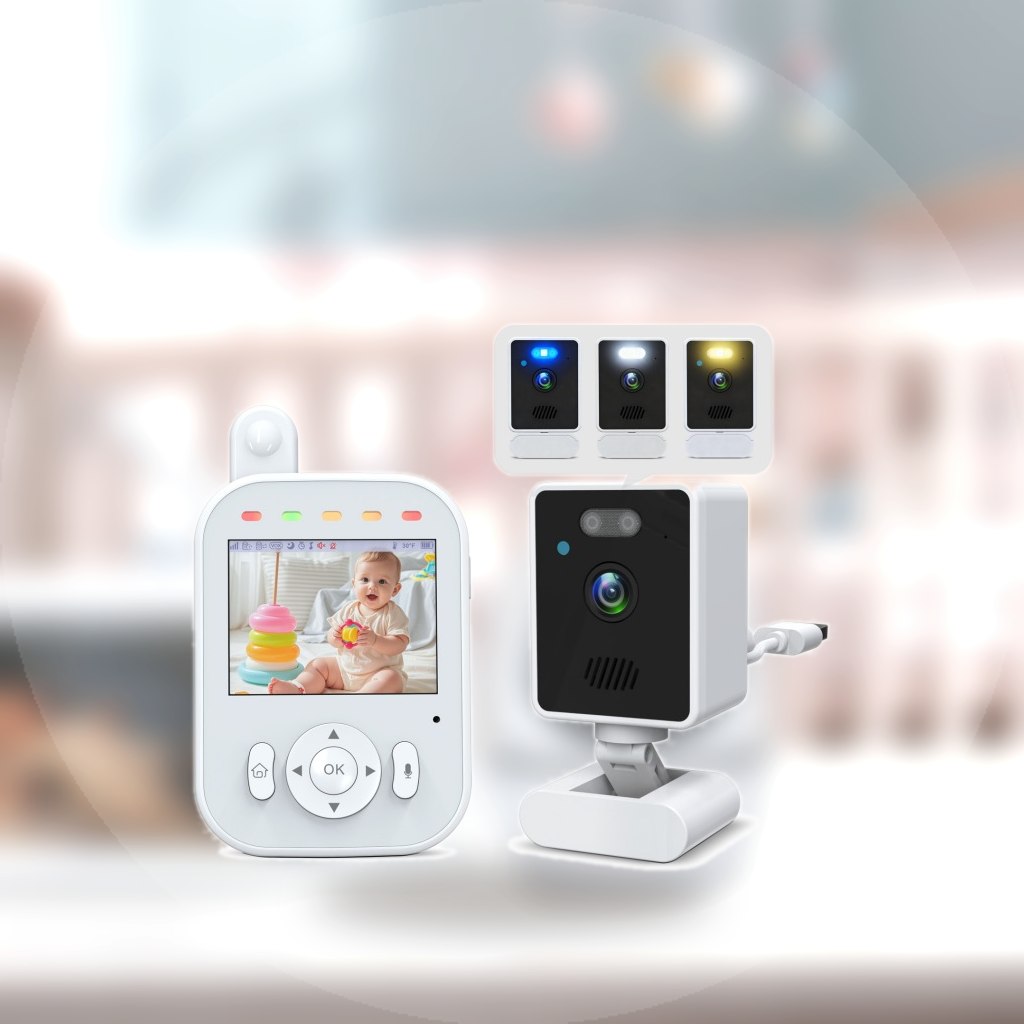 BM202BM202 Baby Monitor with 2.8" Screen
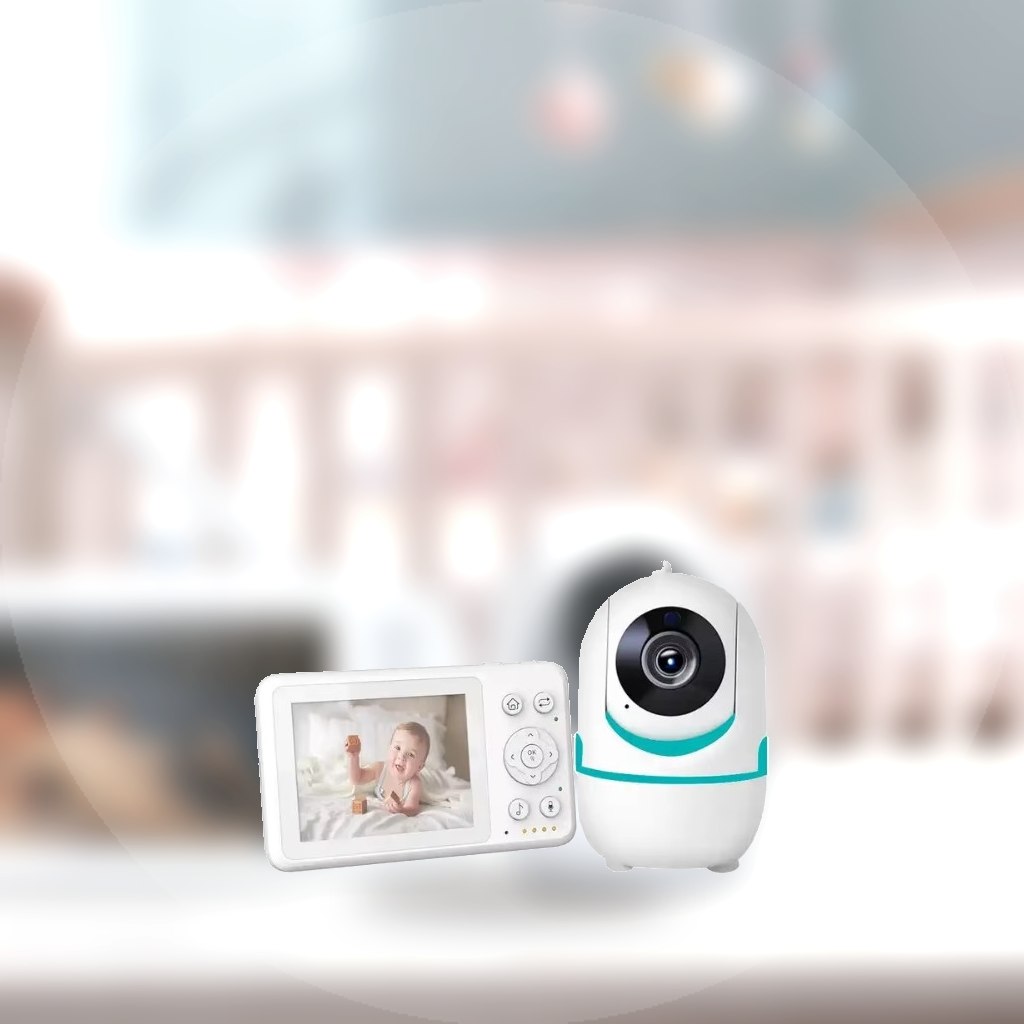 BM302BM302 Baby Monitor with 3.2" Color Screen
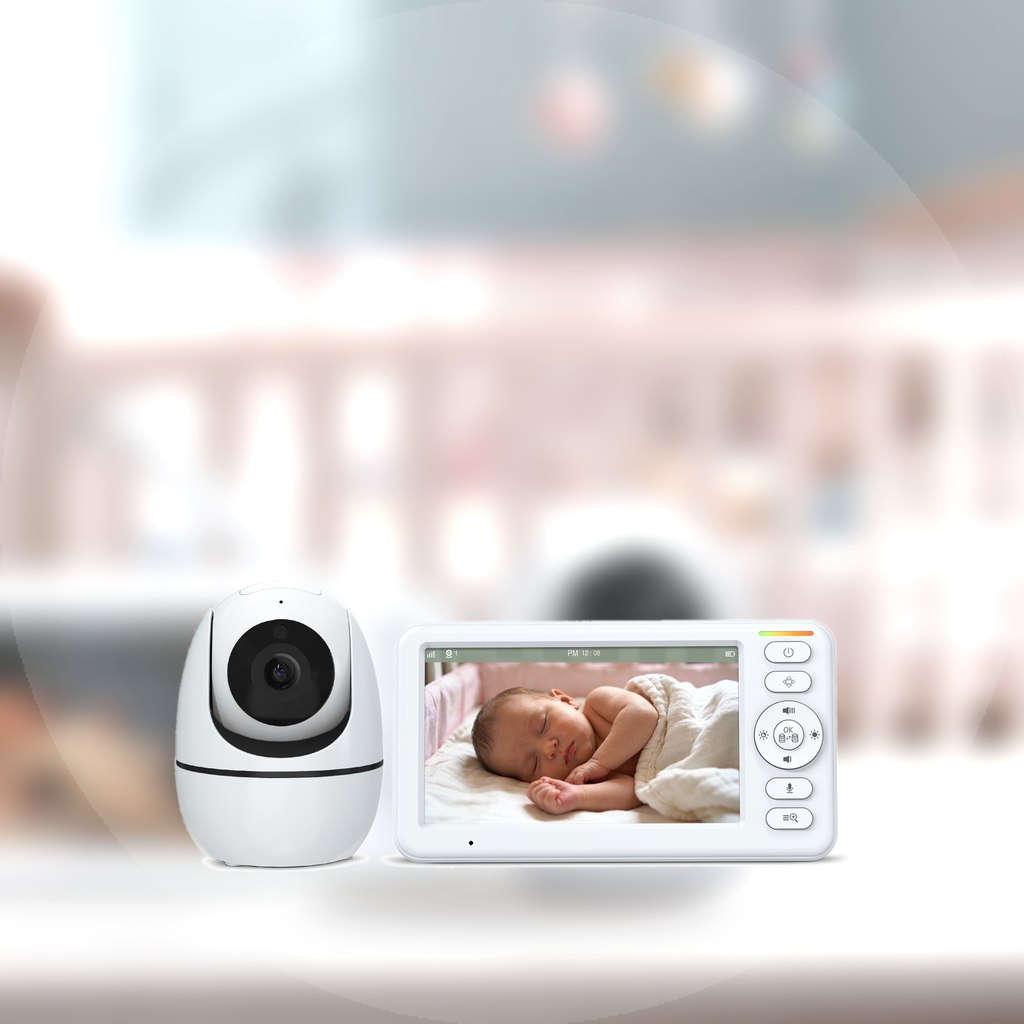 DY627DY627 Baby Monitor with 6" Screen
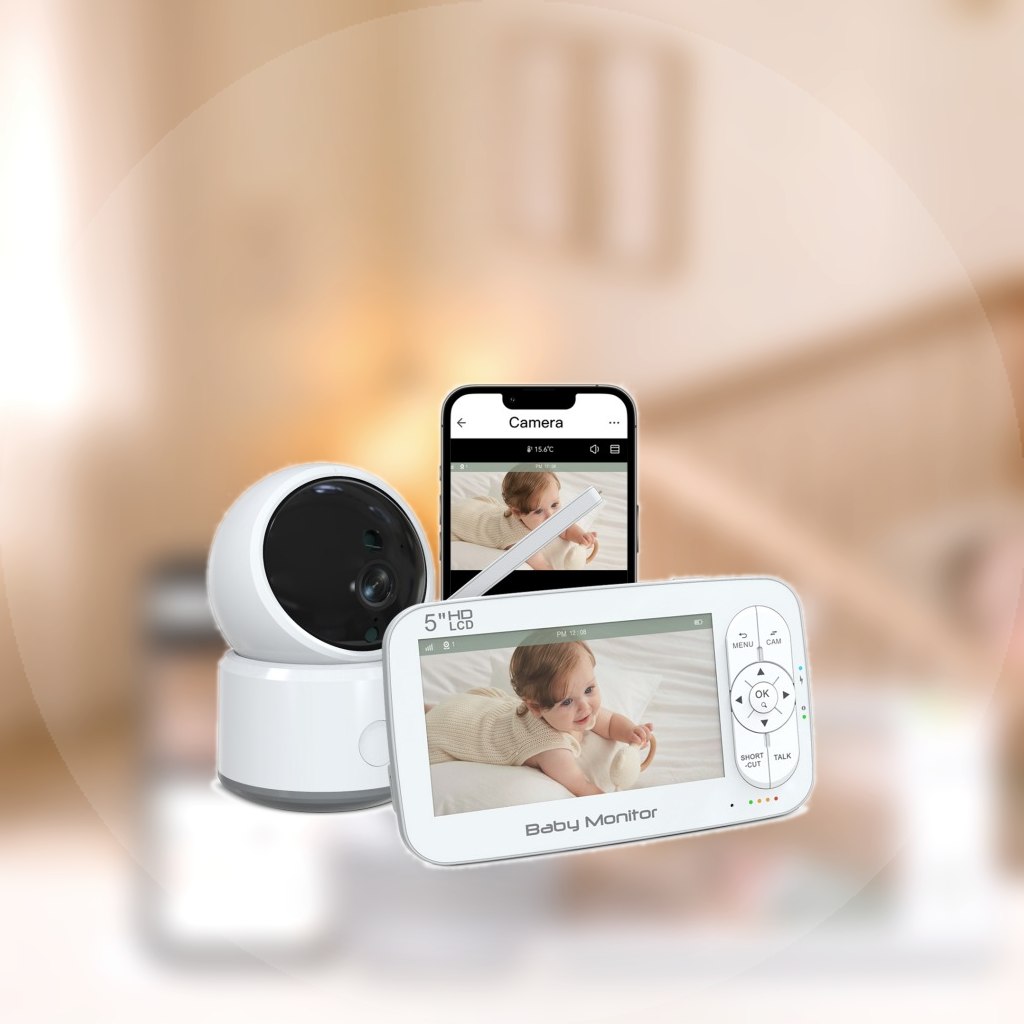 BM5R11WBM5R11W 5" Baby Monitor with Tuya App
Still have questions about a model?
Open the model page for its full specification table, or compare every model at once.
Compare models → Open catalog →